Start with the sport you actually follow
Football may be your main event, but rugby, cricket, tennis and motorsport each bring a different rhythm to live viewing. Check the events you care about, the expected commentary language and the current authorised availability before activating the trial.
Tell support the specific match or competition and when you intend to watch. Do not assume a package includes every league or broadcaster because a page mentions sport. This guide is a way to evaluate viewing, not a rights or fixture list.
Stability during big events
We focus on a consistent viewing experience, including at busy viewing times. However, we do not publish unverified server-capacity figures or promise interruption-free playback. Your connection, player, device, source and wider network demand can all affect the result.
Use the trial around the time you normally watch an important event. A quiet afternoon test tells you little about your own busy evening network. Leave playback running rather than switching away after a few seconds, and note when any interruption happens.
Look at the moving picture
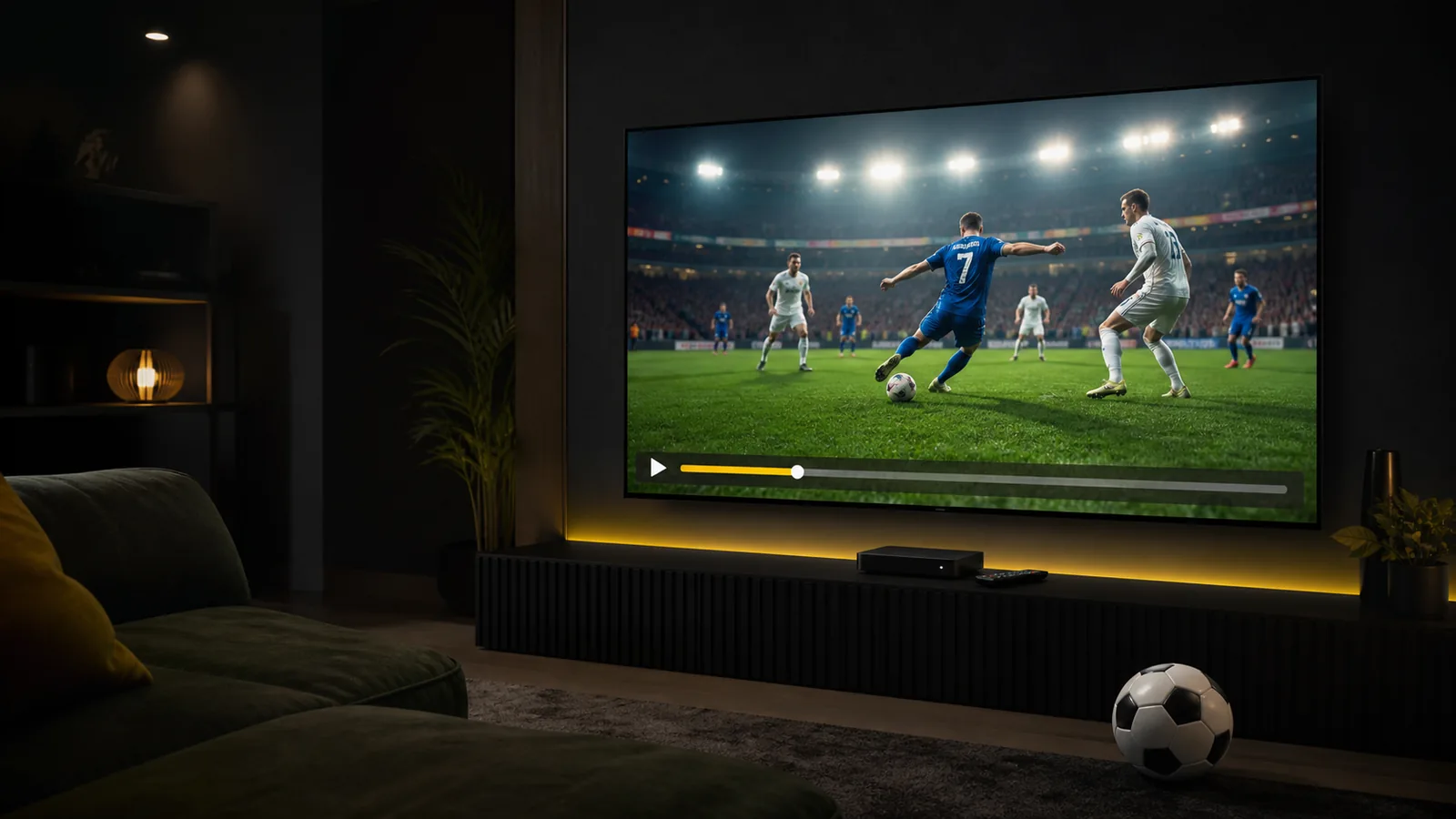
During football, watch the ball and the camera following players across the pitch. During motorsport, look at fast pans; during tennis, follow the ball through a rally. Motion and consistent playback can matter more than a resolution label.
A television capable of 4K does not mean every source is native 4K. Compare what you can actually see at your normal seating distance. Avoid changing picture settings repeatedly during the test, because this makes comparisons harder.
Listen as well as watch
Commentary should be comfortable to understand. Compare speech and visible action when judging synchronisation, and try your normal speakers or soundbar. If one programme seems out of sync, compare a second programme before assuming the box is at fault.
Internet-delivered live television can also arrive later than another source or a score notification. A goal alert reaching your phone first is not the same as an audio-sync problem. Keep those observations separate when describing an issue.
Your match-day checklist
- Confirm the event is available before planning the evening around it.
- Open the player before the start so you have time to check login and sound.
- Use your normal TV or box and test its actual network location.
- Reduce unrelated heavy downloads for a useful connection comparison.
- If playback pauses, note the time and test another programme.
- Send support the device, player and clear observations while access is active.
After the final whistle
A subscription is for more than one match. Try a film, an episode or a documentary as part of the same trial. Check the interface, subtitles and everyday navigation. Our films and series guide explains how to make that second part of the test worthwhile.
Use the full 24-hour checklist and ask for help if needed. Once you are satisfied with your own setup, compare the available packages.