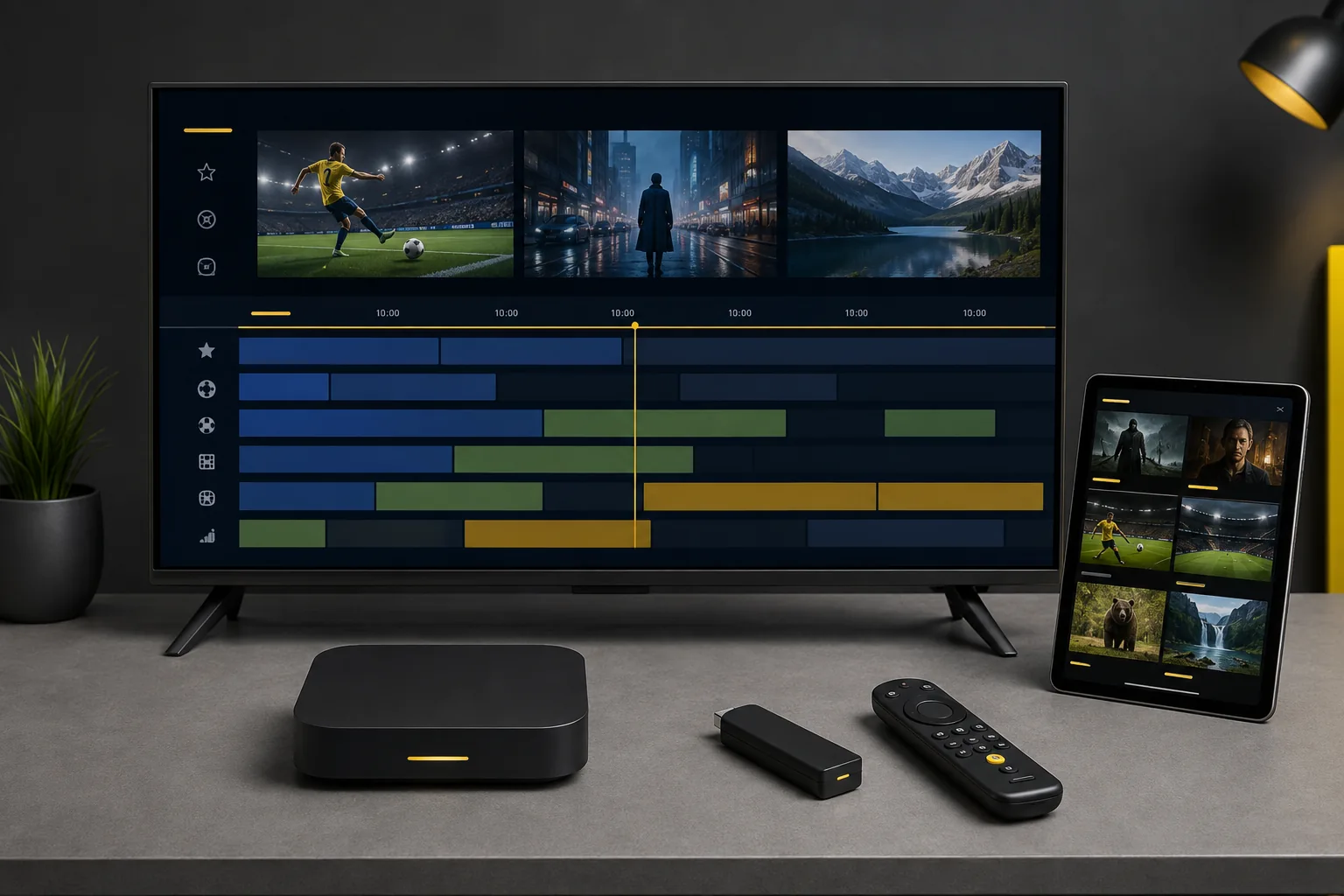
Find the model before choosing the app
Look in the device settings for its model and system information, or check the label and manufacturer documentation. A television with Android TV is different from one using Samsung Tizen or LG webOS, even if all three are described as Smart TVs.
Send us the exact model on WhatsApp. We can help you check the relevant player route before your free trial starts. You do not need to buy a new box simply because you are trying IPTV.
| Device family | Starting point | Check first |
|---|---|---|
| Android TV / Google TV | TV-oriented player | Exact system, store availability and app requirements |
| Amazon Fire TV | Model-specific player support | Device generation and operating system; not every Fire TV follows the same app route |
| Samsung / LG Smart TV | Player supported in the television's own store | Model year, country and available app version |
| Formuler / Xiaomi boxes | Manufacturer-supported software or an appropriate TV player | Exact box, supported login method and updates |
| iPhone, iPad / Apple TV | Appropriate Apple-platform player | App version, system requirements and separate fees |
| Android phone / tablet | Touch-friendly player | Device support and usability; a TV interface is not always suitable |
| Windows / Mac | Desktop or supported web player | Publisher requirements and supported service login |
TiviMate or Smarters Pro?
TiviMate is a TV-focused choice for Android TV. Smarters Pro has different versions for supported TV, mobile and computer platforms. Neither name is a blanket promise that an app will run on every device.
Players such as Televizo, SmartOne IPTV or Smart IPTV may also be worth checking for a particular setup. Use the publisher's current compatibility information and confirm support for the login details supplied to you. App fees and an IPTV subscription are separate things.
Using a streaming box with your TV
A compatible external box can provide a player route when a TV's built-in system does not have a suitable app. Check the television inputs and the box requirements before purchasing. Remote-control comfort, network connection and ongoing software support are more useful buying questions than a resolution badge alone.
For sports, test the device in the place it will actually sit. A box hidden behind a screen may have a different wireless connection from a phone next to the router. If the equipment supports a wired connection, comparing it with Wi-Fi can help identify local network problems.
Compatibility is not picture quality
An app opening successfully does not mean every source will play in 4K or that simultaneous connections are included. Picture quality depends on the source, device capabilities, screen and connection. Test live movement, dialogue and the content you prefer during the 24-hour trial.
Already have a supported player? Continue to the setup and troubleshooting guide. Tell support about the exact device and app if a step does not match what you see.