IPTV Smart TV UK — Setup Guide 2026
Setting up IPTV on your Smart TV in the UK has never been easier. This guide covers Samsung, LG, Sony, Firestick and Android TV — with a free trial you can test on your exact device today.
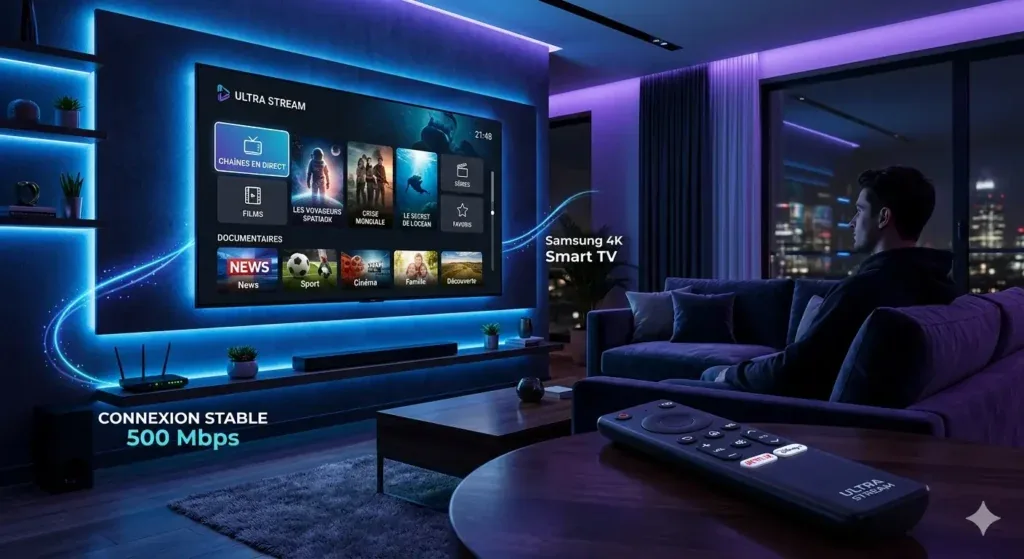
IPTV Setup for Every UK Smart TV
Step-by-step instructions for the most popular smart TV platforms in the UK.
- 1Go to Settings → My Fire TV → Developer Options → Enable Apps from Unknown Sources
- 2Search for "Downloader" in the Firestick App Store and install it
- 3Open Downloader and enter the URL we send you with your free trial credentials
- 4Open the installed IPTV app and enter your server URL, username and password
- 5Your channels load automatically — start streaming 20,000+ channels in 4K UHD
- 1Press the Home button and open Smart Hub on your Samsung TV
- 2Search for an IPTV app in the Samsung App Store (we recommend the best option for your model)
- 3Install the app and open it — select Add Playlist or Xtream Codes login
- 4Enter your trial credentials (server URL, username, password) from our WhatsApp message
- 5Wait 30 seconds for channels to load and start streaming
- 1Press the Home button and open the LG Content Store
- 2Search for an IPTV app compatible with WebOS (we advise on the best option for your model)
- 3Install and open the app — navigate to settings and select Add Playlist
- 4Enter your trial credentials and confirm
- 5Browse your channel list and start streaming
- 1Open Google Play Store on your Android TV
- 2Search for and install IPTV Smarters Pro or TiviMate
- 3Open the app and select Xtream Codes or Add M3U Playlist
- 4Enter your trial server URL, username and password
- 5Stream 20,000+ channels in 4K UHD immediately
Test IPTV on Your Smart TV Before You Pay
Every Smart TV is different. Test our service on your exact model and your broadband — for free.
Test on Your Actual TV
Verify 4K UHD quality on your specific Samsung, LG or Sony screen. What looks great on one display might differ on another — testing eliminates guesswork.
Test on Your Broadband
IPTV performance depends on your home broadband speed and network conditions. A genuine trial on your own network is the only reliable way to assess buffering.
No Credit Card Risk
Our free IPTV trial for Smart TV requires zero payment information. Test freely for 24 hours and decide only if you're satisfied — no pressure, no hidden charges.
IPTV Smart TV UK — Common Questions
Everything you need before setting up IPTV on your Smart TV.
Yes. Samsung Smart TVs running Tizen OS support IPTV apps via Smart Hub. We guide you through the exact process for your Samsung model when you request your free trial.
LG WebOS Smart TVs support IPTV apps from the LG Content Store. We recommend the best compatible app for your LG model and guide you through setup — included with your free trial.
Amazon Firestick offers the widest app compatibility and most reliable IPTV performance, even on older TVs. However, modern Samsung, LG and Android TVs also work very well. Our free trial lets you test both approaches.
For HD streams: 10 Mbps minimum. For 4K UHD: 25–30 Mbps per stream. Most UK broadband packages easily meet these requirements. Use our free trial to verify performance on your specific connection.
Test IPTV on Your Smart TV — Free Trial
Get your free 24-hour IPTV trial delivered to your WhatsApp in under 60 seconds. Test on your TV, no credit card needed.